
Downloading Recommended Security Software
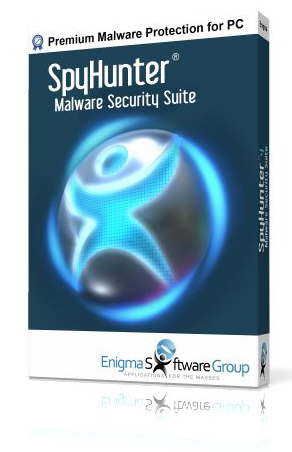
Certified antivirus protection featuring automated malware removal and regular threat definition updates.
Installation Steps
Click the downloaded file located at the bottom left or top right of your Chrome window.
When prompted by Windows User Account Control, click “Yes” to allow launch.
Select your language preference and click “OK” to complete setup.
Click “Save File” when the download prompt appears in Firefox.
Open the Firefox downloads icon in the top right and click the installer file.
When prompted, click “Yes” to launch the installation wizard.
Click “Save” or “Open file” in the top Edge download bar.
When Windows asks for permission, click “Yes” to run setup.
Follow the installer on-screen prompts to finish installation.
FORBES
INFOSECURITY
PCWORLD
ZDNET
Malware Detection & Removal
Detect and remove spyware, rootkits, ransomware, viruses, browser hijackers, adware, keyloggers, and trojans.
PUP & Privacy Protection
Identify and remove grayware, potentially unwanted programs (PUPs), and tracking cookies.
Advanced System Cleanup
Utilize specialized scanning mechanisms designed to eliminate deeply embedded system threats.
Regular Definition Updates
Automated database updates ensure continuous protection against current security threats.
24/7 Support Access
Access support resources to assist with complex system cleanup tasks.
Custom Remediation Fixes
Receive tailored diagnostic reports created specifically for unique system logs.